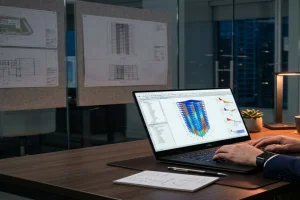
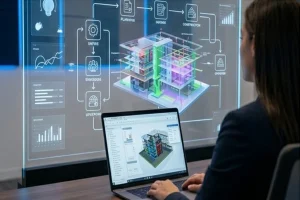
By completing the Navisworks (Beginner) Training, participants will be able to:
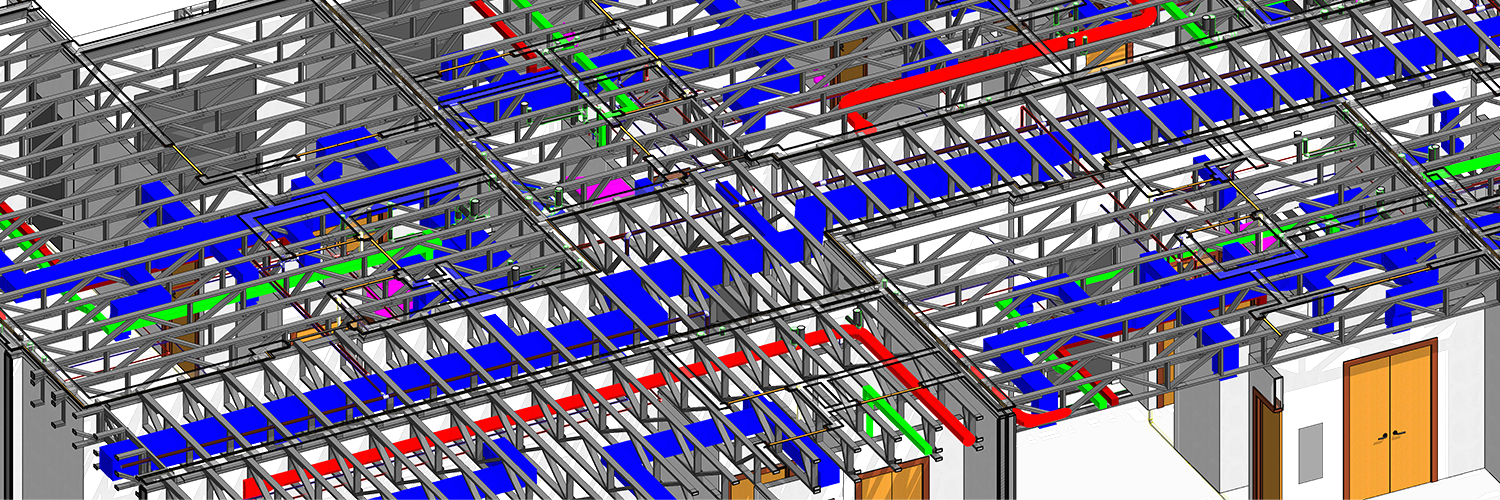
Understand BIM coordination and model review workflows
Navigate and review multidisciplinary BIM models
Create viewpoints and basic selection sets
Perform introductory-level clash review
Communicate coordination issues effectively
Prepare for Intermediate / Working Professional Navisworks training
Enroll for BIM Training at AEODC to learn the fundamentals of Revit Course including Autocad BIM Course which will help you become a certified BIM Professional. Our courses offer flexibility of study at your own pace – Online BIM Course, Offline BIM Course and Self Paced BIM Course. AEODC is not only just a BIM Training Institute but also your destiny to get hired just after the course ends. At AEODC, everyone has the flexibility to either opt for a BIM Professional course (Working Professional) or BIM Diploma Course (Basic).
By completing either of the courses you opt for such as Revit Course or AutoCAD BIM Course, learners gain industry-relevant skills that prepare them for real-world BIM projects and career growth in the AEC industry. This training is ideal for anyone looking to enroll in a BIM Course, obtain a globally valued BIM Certification, advance through structured BIM Course modules, and strengthen professional credibility with a recognized BIM Certification that aligns with current industry standards. AEODC courses are not just BIM Training or BIM Professional Course, but its your gateway to become a well versed and certified BIM professional.
Diploma or Degree holder both working or freshers trained in AEODC BIM Training Institute via Online BIM Course have been placed in some of the best MNC globally which shows the credibility of our BIM Diploma Course.
We are among the preferred BIM Training Centre in Delhi NCR for gaining theoretical and practical experience of BIM Course in Delhi. Known to be the best BIM Training and Certification Institute in Delhi NCR, our candidates are global. We not only provide BIM Course in Delhi but also cater to professional and student across different markets such as Middle East, US, Canada, Europe and UK helping provide Live Projects based Revit Training. Our trainer experience and in-depth understanding of Revit subject makes AEODC as the preferred BIM Training and Certification Institute in Delhi NCR and Globally for Revit Training and BIM Technology based Applications.