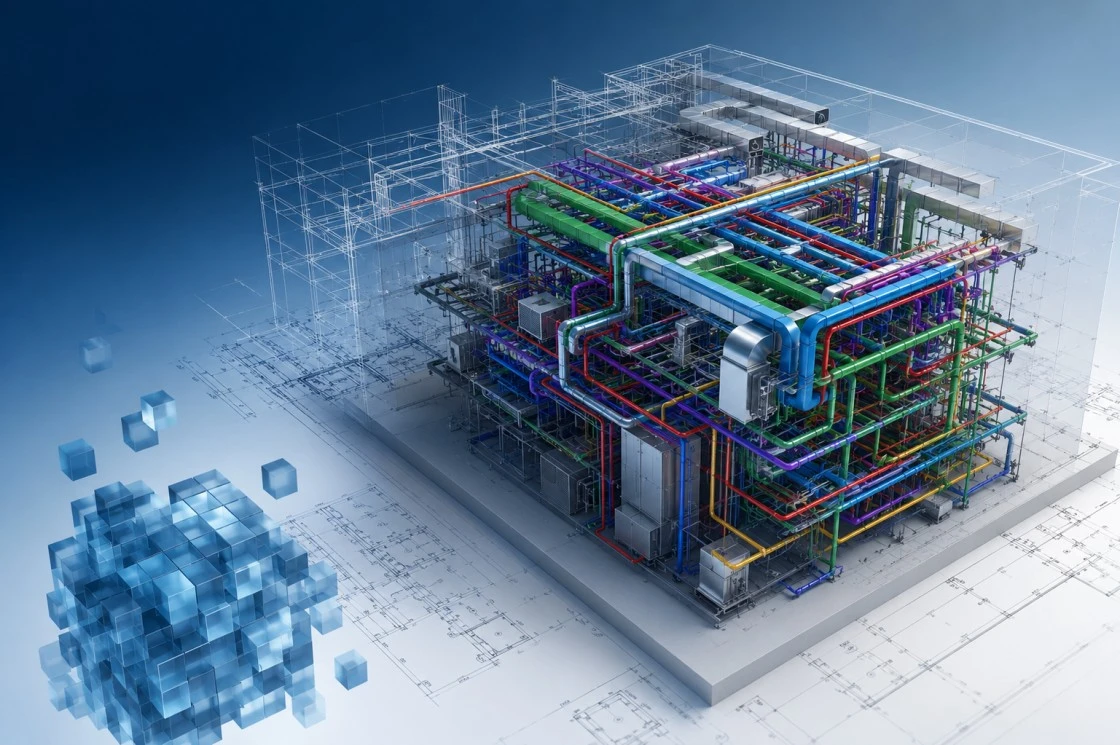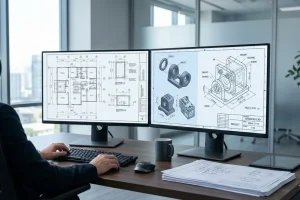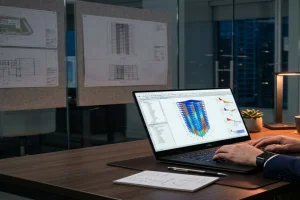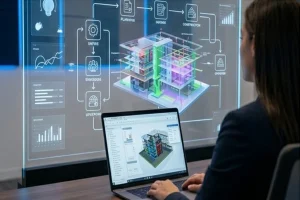
Revit MEP (Intermediate / Working Professionals)

Revit MEP (Intermediate / Working Professionals) is designed for engineers, BIM professionals, MEP designers, coordinators, and working professionals who want to enhance their expertise in Autodesk Revit MEP and gain practical experience with BIM-based project workflows used on real-world construction projects.

This Advanced Revit MEP Course focuses on industry-standard Mechanical, Electrical, and Plumbing modeling practices, BIM coordination, clash detection, documentation, and multidisciplinary collaboration. The training is ideal for professionals seeking career growth, BIM specialization, or opportunities on international projects.

Candidates who successfully clear (achieving more than 85%) the AEODC evaluation exam post training may be offered opportunities to work with AEODC on live BIM projects as Interns, Contract Resources, or Full-Time Professionals depending on project requirements and performance.

Professionals demonstrating exceptional technical competency may also be considered for advanced project responsibilities involving BIM coordination, project documentation, and multidisciplinary collaboration.

All opportunities are performance-driven and aligned with AEODC’s quality standards and business requirements.
Advance Your BIM Career with Revit MEP Training for Working Professionals

The global AEC industry increasingly relies on BIM workflows to improve coordination, reduce rework, and streamline project delivery. Organizations actively seek professionals who can create coordinated BIM models, manage multidisciplinary collaboration, and deliver project-ready documentation using Autodesk Revit MEP.

This Revit MEP Training for Working Professionals helps participants develop advanced BIM skills that align with current industry requirements while providing practical exposure to workflows used by leading engineering and construction organizations worldwide.

What You Will Learn

During this Advanced Revit MEP Course, participants gain practical exposure to:

Advanced Revit MEP Project Setup
BIM Standards and Template Management
Worksharing and Collaborative Workflows
Advanced HVAC System Modeling
Duct Routing Optimization
Mechanical Equipment Integration
Advanced Electrical Modeling
Lighting and Power System Coordination
Panel Schedules and Circuit Management
Advanced Plumbing System Modeling
Domestic Water and Drainage Systems
BIM Coordination Techniques
Interdisciplinary Model Coordination
Linked Models and Collaboration
Clash Detection Concepts
Introduction to Navisworks Coordination
Advanced Schedules and Quantities
Shop Drawing Development
View Templates and Documentation Standards
Project Deliverables and BIM Execution Processes

Course Outcomes

Upon completion of this Revit MEP Training, participants will be able to:
Develop advanced Mechanical, Electrical, and Plumbing BIM models
Implement BIM standards and project workflows
Coordinate architectural, structural, and MEP disciplines effectively
Create project-ready documentation and deliverables
Improve model quality and project efficiency
Understand clash detection and coordination processes
Generate schedules, quantities, and documentation packages
Prepare for BIM Engineer and BIM Coordinator roles

Who Should Join This Course?

This course is ideal for:
MEP Engineers
BIM Engineers
BIM Coordinators
HVAC Engineers
Electrical Engineers
Plumbing Engineers
Design Engineers
Project Engineers
Site Engineers
Working Professionals seeking BIM specialization

Participants should have basic knowledge of Revit MEP or prior exposure to BIM workflows.

Software Covered

Participants receive practical exposure to:Autodesk Revit MEP
Autodesk Navisworks (Introduction)
BIM Coordination Workflows
Documentation and Project Standards
Quantity Take-Off Processes

FAQs

What is the Advanced Revit MEP Course?
An advanced BIM training program for MEP modeling, coordination, and project workflows.

Who can join?
MEP, BIM, HVAC, Electrical, and Plumbing professionals.

Is prior knowledge required?
Yes, basic Revit MEP skills are recommended.

Will BIM Coordination be covered?
Yes, including coordination and collaboration workflows.

Is Navisworks included?
Yes, with an introduction to clash detection and coordination.

Why choose AEODC?
Industry-focused, practical training with real project workflows.